Start with a clear account and supported opening balance
Use the correct customer account rather than grouping unrelated contractors under one name. If the business predates the software, reconcile the opening balance against records before entering it. Keep invoice references and site details in notes where useful, without assuming a separate construction-project management module.
Check item units before checking the total
You may buy a pack and sell its pieces. Review the item's unit definition and conversion factor, and test a small movement before a full import. One item's conversion does not apply to all materials, especially weight, length and area. The item-units tutorial helps you prepare a test.
Illustrative example: from opening balance to amount due
The figures below are hypothetical, in one currency, without tax, discounts or cheques. They are not a real customer account and assume each movement was recorded once on the same account.
| Movement | Amount | Contractor balance |
|---|---|---|
| Supported opening balance | 1,200 | 1,200 |
| New sales invoice | 3,500 | 4,700 |
| Confirmed receipt | 2,000 | 2,700 |
| Recorded sales return | 400 | 2,300 |
A part payment is not another invoice
Record the receipt against the right customer and actual payment method, keeping the transfer or receipt reference. If payment was already recorded through the invoice transaction, do not record it again as a separate receipt. Review the actual effect in your edition with your accountant before accepting the balance.
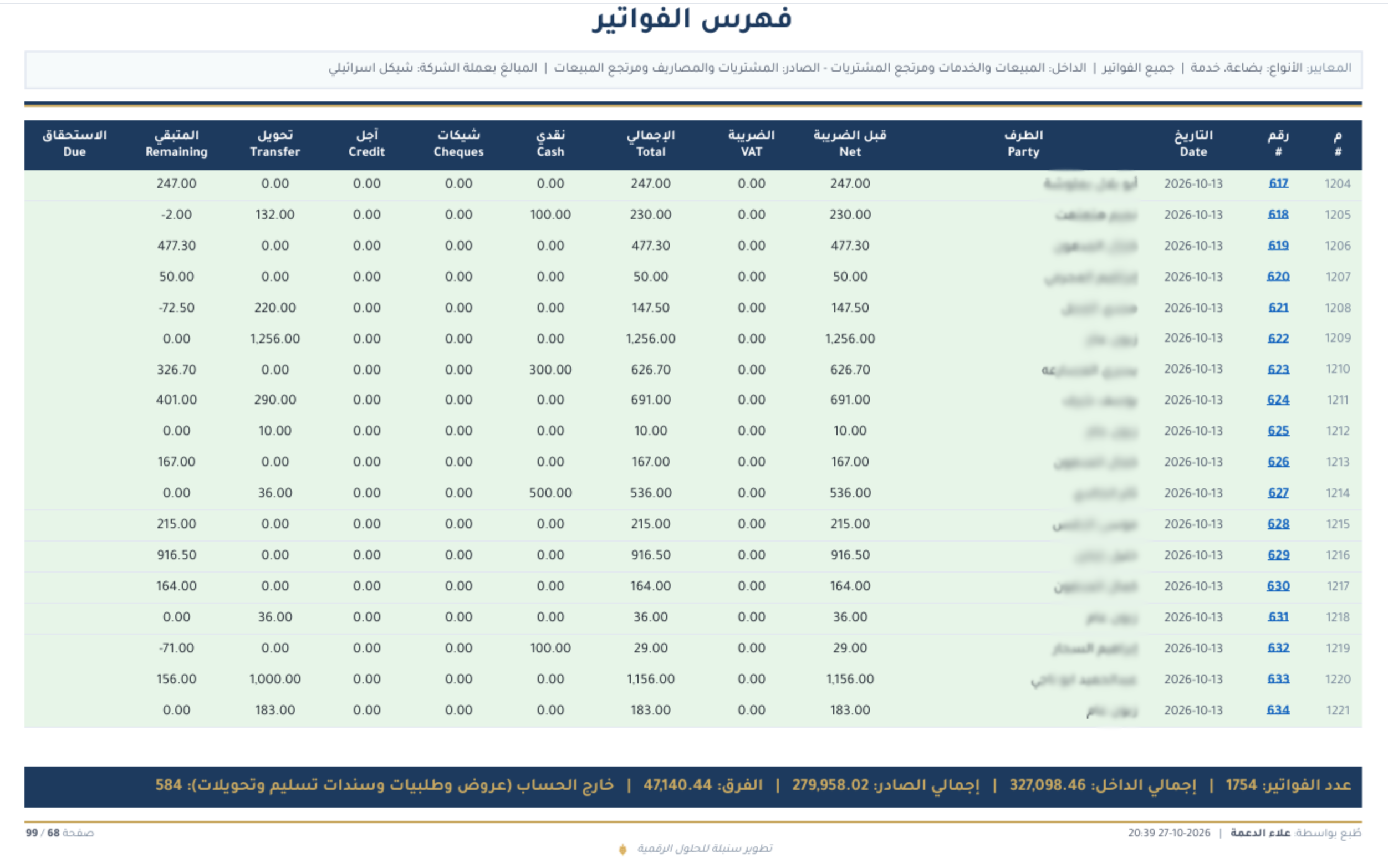
When the contractor pays by cheque
Track the cheque, due date and status in an edition supporting the cheque workflow. Receiving a cheque is not the same as bank cash arriving, and collection should not duplicate the receipt. Review returned or endorsed cheques from their records and the edition's workflow.
Reconcile before requesting the next payment
Review opening balances, invoices, returns and receipts over the same period. For a difference, check dates, accounts, units and payment methods before changing a record. Review a statement before sharing it through an activated service, and record the reason for any correction.
How do you evaluate Sonbola for this task?
Use a training company to test sample items, a contractor, an invoice, a payment and a return, then review the statement and stock report. Invoice, customer and report tasks depend on the version and permissions; units, warehouses, cheques and currencies vary by edition. This is an evaluation checklist, not a tested sequence of buttons or a promise that every plan activates every feature.
Frequently asked questions
Does the latest invoice show the entire contractor debt?
Not on its own. There may be opening balances, receipts and returns. Review the statement for the right period.
Do I need a new account for every site?
Do not assume so before defining your needs. Agree a tracking method with your accountant and test the edition if you need separate site reports.
Can Sonbola AI help with a balance difference?
It can assist when asked, within available reports, permissions and activation. Review the source yourself; it does not perform a complete audit or automatically correct every account.
Related tasks and lessons
- Sector workflows and screenshots
- Item units
- Receipts and payments
- Sales and collections
- Sonbola AI assistant
Examples are educational, not customer results or jurisdiction-specific tax advice. Review the relevant records and edition with your accountant. Windows trial: 30 days or 500 invoices, whichever comes first; Web trial: 14 days.